

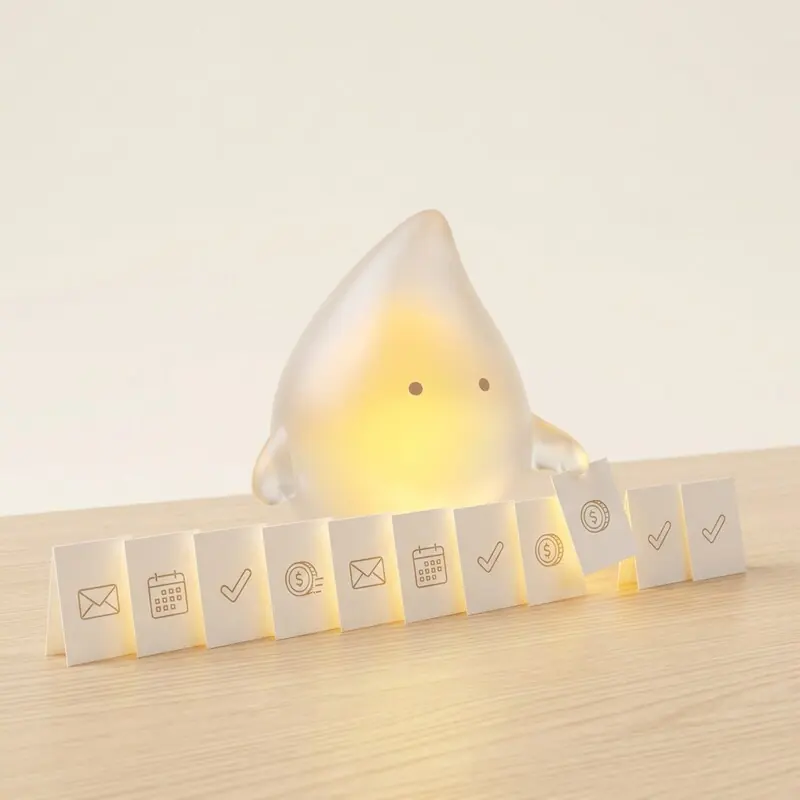
Most businesses don't lose their time on big, rare tasks, but on small ones that come back every day: retyping, forwarding, chasing, searching. That is exactly where automation works fastest. We have built these ten workflows in many businesses, and they almost always pay off.
How to recognise a good first workflow
- It happens often, ideally daily or weekly.
- It follows clear rules without many exceptions.
- The data is already digital, for example in emails, forms or the CRM.
- Errors or delays cost money, for example lost enquiries or late invoices.
The ten workflows
1. Enquiries straight into the CRM
Contact form, mailbox, phone note: every enquiry lands immediately as a contact and deal in the CRM, and the prospect receives an acknowledgement.
Area: sales · Effort: low · Workflow in detail
2. Following up quotes
If there is no answer after a week, the system reminds you to follow up or sends a prepared draft for approval.
Area: sales · Effort: low · Workflow in detail
3. Quote with one click from the deal
Customer data and line items are already in the CRM. The quote draft is created from them, without copying from old files.
Area: sales · Effort: medium · Workflow in detail
4. Invoice on order
When an order is won or completed, the invoice draft is created in accounting automatically.
Area: accounting · Effort: medium · Workflow in detail
5. Filing receipts from the mailbox
Invoices are recognised, named cleanly and filed in the right folder or directly in accounting.
Area: accounting · Effort: low · Workflow in detail
6. Payment reminders
Open items are checked daily. Friendly reminders go out on time without anyone having to remember.
Area: accounting · Effort: low · Workflow in detail
7. Appointments into the CRM
Booked appointments land in the CRM with all details, including confirmation and reminders for both sides.
Area: organisation · Effort: low · Workflow in detail
8. Requesting reviews
After the project ends, the customer receives a request for a Google review at the right moment.
Area: marketing · Effort: low · Workflow in detail
9. Weekly report
On Mondays at seven the key figures are in your inbox: enquiries, quotes, revenue, open items.
Area: management · Effort: medium · Workflow in detail
10. Onboarding new employees
Access, documents, appointments and checklists are triggered automatically for the start date.
Area: HR · Effort: medium · Workflow in detail
Where to start?
Start with a single workflow, not ten. Ideally the one that happens most often and where most gets left lying today. In many businesses that is the route from enquiry to CRM, followed by follow-ups. Once the first workflow runs, everyone in the team sees what is possible, and the second goes much faster.
The time calculator estimates how much of your time goes into routine. The workflow library shows which other workflows exist.
FAQ
Which workflow is the best start?
Usually the route from enquiry to CRM. It's manageable, affects every day and quickly shows how much time used to go into retyping.
Do I need new software for this?
Rarely. The workflows connect tools you already use, such as your mailbox, your CRM and your accounting.
How long does implementing a workflow take?
A single workflow is usually built, tested and handed over in two to three weeks.
